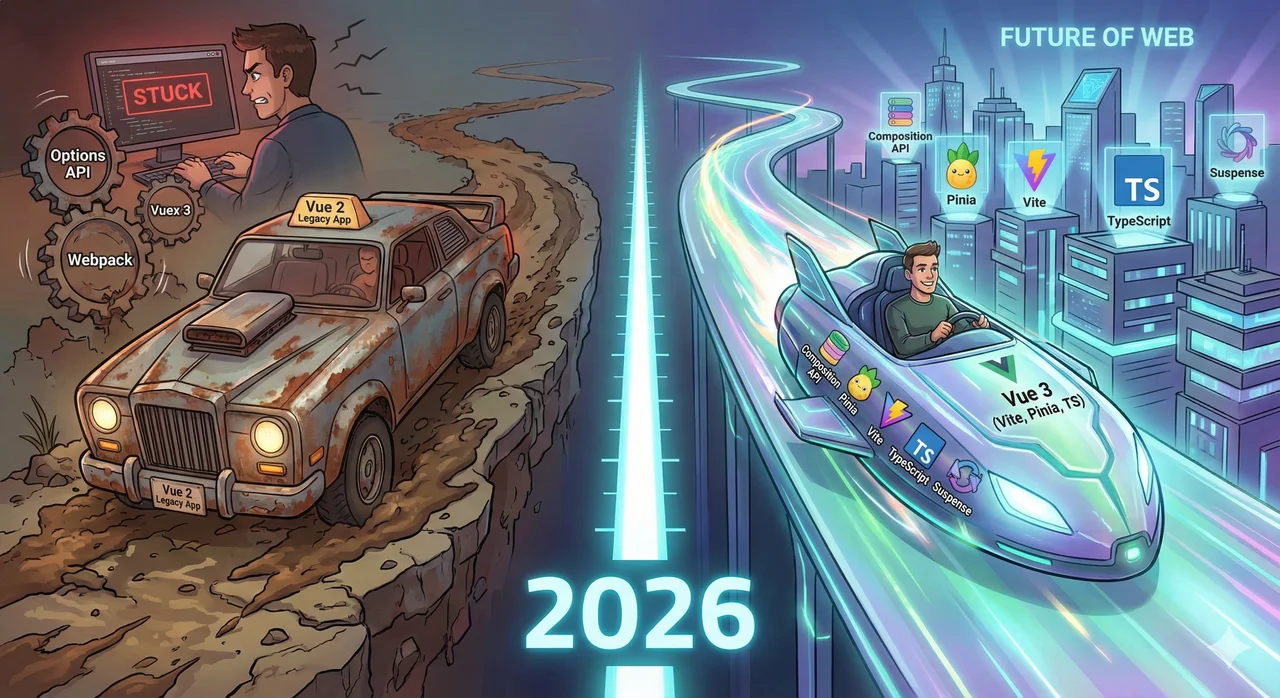
It's 2026. Vue 3 has been the default for over three years. The ecosystem has fully migrated. The tutorials, the libraries, the job postings—everything assumes Vue 3.
Meanwhile, you're still on Vue 2. Still using the Options API. Still waiting 30 seconds for Webpack to rebuild. Still explaining to candidates why they'll be working with "mature" technology.
This isn't an article about why Vue 2 is bad. It's about what you're missing. Here are 5 features your competitors use every day that you can't touch until you migrate.
The Composition API: Code That Actually Scales
The Options API was great for learning Vue. But anyone who's maintained a large Vue 2 application knows its dirty secret: it doesn't scale. We dive deeper into when to use Composition API vs Options API in our dedicated guide.
The Vue 2 Problem
In the Options API, related logic gets scattered across data, computed, methods, watch, and lifecycle hooks. A single feature might touch 5 different sections of your component. As components grow, you end up scrolling hundreds of lines to understand one piece of functionality.
// Vue 2: Feature logic scattered everywhere
export default {
  data() {
    return {
      searchQuery: '',      // 👈 Part 1 of search feature
      users: [],
      isLoading: false,
    }
  },
  computed: {
    filteredUsers() { ... } // 👈 Part 2, 50 lines away
  },
  methods: {
    fetchUsers() { ... },   // 👈 Part 3, 100 lines away
    handleSearch() { ... }  // 👈 Part 4, 150 lines away
  },
  watch: {
    searchQuery() { ... }   // 👈 Part 5, 200 lines away
  }
}
The Vue 3 Solution
The Composition API lets you organize code by logical concern, not by option type. Related code stays together. You can extract reusable logic into composables. Your components become smaller, more focused, and infinitely easier to maintain.
// Vue 3: All search logic in one place
import { useSearch } from '@/composables/useSearch'
import { useUsers } from '@/composables/useUsers'

const { searchQuery, filteredResults } = useSearch()
const { users, isLoading, fetchUsers } = useUsers()

// That's it. Clean, focused, reusable.
What Your Competitors Gain
- 50% smaller components through composable extraction
- True code reuse without mixin hell
- Faster onboarding for new developers who can understand features at a glance
Pinia: State Management That Doesn't Fight You
Remember when you had to write mutations for every single state change? When you needed actions to call mutations to update state? When TypeScript support was an afterthought?
Vuex (Vue 2)
// Vuex: Verbose boilerplate
const store = new Vuex.Store({
  state: { count: 0 },
  mutations: {
    INCREMENT(state) {
      state.count++
    }
  },
  actions: {
    increment({ commit }) {
      commit('INCREMENT')
    }
  },
  getters: {
    doubleCount: state => state.count * 2
  }
})
4 concepts (state, mutations, actions, getters) just to manage a counter.
Pinia (Vue 3)
// Pinia: Clean and intuitive
export const useCounterStore = defineStore('counter', {
  state: () => ({ count: 0 }),
  getters: {
    doubleCount: (state) => state.count * 2
  },
  actions: {
    increment() {
      this.count++  // Direct mutation!
    }
  }
})
No mutations. Direct state changes. Full TypeScript inference.
Why Pinia Wins
No more mutations
Actions can directly modify state. Less boilerplate, same DevTools support.
First-class TypeScript
Full type inference out of the box. No manual typing required.
Modular by default
No more namespaced modules. Each store is independent and tree-shakeable.
Vite: 10x Faster Development
If you're still using Vue CLI with Webpack, you're wasting hours every week waiting for builds. That's not hyperbole. Let's do the math.
Dev Server Startup Time Comparison
Webpack (Vue CLI)
30-60s
Cold start on a medium-sized app
Vite
<300ms
Instant startup, regardless of app size
Why Vite Is Revolutionary
Webpack bundles your entire application before serving it. Vite uses native ES modules and only transforms the file you're actually editing. The result? Instant hot module replacement.
Instant server start
No bundling on startup. Your dev server is ready before you can reach for your coffee.
Lightning-fast HMR
Changes reflect instantly. No more waiting for Webpack to recompile.
Optimized production builds
Rollup-based builds with automatic code splitting and tree-shaking.
The Productivity Math
If your team saves 30 seconds per hot reload, and each developer reloads 50 times per day, that's 25 minutes per developer per day. For a team of 5, that's over 10 hours per week of reclaimed productivity—just from faster tooling.
First-Class TypeScript: Catch Bugs Before Users Do
Vue 2's TypeScript support was bolted on. Vue 3 was written in TypeScript. The difference is night and day.
Vue 2 + TypeScript: The Pain Points
Class-based components required: You needed vue-class-component or vue-property-decorator just to get basic typing.
No template type checking: TypeScript couldn't catch errors in your templates.
Poor Vuex integration: Getting type safety in your store required significant manual effort.
Vue 3 + TypeScript: It Just Works
// Vue 3: Full type inference, no decorators needed
<script setup lang="ts">
import { ref, computed } from 'vue'

interface User {
  id: number
  name: string
  email: string
}

const user = ref<User | null>(null)

// TypeScript knows this is string | undefined
const userName = computed(() => user.value?.name)

// Type error caught at compile time!
function updateUser(newUser: User) {
  user.value = newUser
}
</script>

<template>
  <!-- Volar provides full template type checking -->
  <div>{{ user.name }}</div> <!-- Error: user might be null -->
  <div>{{ user?.name }}</div> <!-- Correct! -->
</template>
Full template type checking with Volar (the Vue 3 language server)
Automatic prop type inference from defineProps
Type-safe emits with defineEmits
Suspense & Async Components: Better Loading States Out of the Box
In Vue 2, handling async data loading means manually tracking loading states, error states, and conditionally rendering content. Vue 3's Suspense makes this declarative and elegant.
Vue 2: Manual Loading State Management
// Vue 2: Boilerplate for every async component
<template>
  <div>
    <LoadingSpinner v-if="isLoading" />
    <ErrorMessage v-else-if="error" :error="error" />
    <UserProfile v-else :user="user" />
  </div>
</template>

<script>
export default {
  data() {
    return {
      user: null,
      isLoading: true,
      error: null
    }
  },
  async created() {
    try {
      this.user = await fetchUser()
    } catch (e) {
      this.error = e
    } finally {
      this.isLoading = false
    }
  }
}
</script>
Vue 3: Declarative with Suspense
// Vue 3: Clean, declarative async handling
<template>
  <Suspense>
    <template #default>
      <UserProfile />  <!-- Async component -->
    </template>
    <template #fallback>
      <LoadingSpinner />
    </template>
  </Suspense>
</template>

// UserProfile.vue - async setup is built-in
<script setup>
const user = await fetchUser()  // Just await it!
</script>
Suspense handles the loading state automatically. Combine it with onErrorCaptured for error boundaries, and you have a complete async data handling solution with minimal boilerplate.
Bonus: Better Code Splitting
Vue 3's defineAsyncComponent with Suspense makes code splitting trivial. Your competitors are shipping smaller initial bundles and loading features on demand. Their apps feel faster because they are faster.
The Bottom Line: While You Debate, They Ship
Every feature in this article represents a competitive advantage your competitors have right now. They're writing cleaner code with the Composition API. They're managing state effortlessly with Pinia. They're iterating 10x faster with Vite. They're catching bugs before production with TypeScript. They're building better user experiences with Suspense.
The Gap Is Growing Every Day
The migration question isn't if. It's when. Every month you delay, the gap between your application and the modern Vue ecosystem grows wider. Your competitors aren't waiting. Should you?
Ready to Catch Up?
Stop watching from the sidelines while your competitors leverage Vue 3's advantages. Get a comprehensive migration audit that shows you exactly what it takes to access these features—and how quickly you can get there.
✓ Fixed-price guarantee ✓ 7-day turnaround ✓ Full feature roadmap included
Conclusion
Vue 3 isn't just a version number. It's a fundamentally better way to build applications. The Composition API makes code more maintainable. Pinia makes state management intuitive. Vite makes development faster. TypeScript integration catches bugs before they reach users. Suspense makes async handling elegant.
Your competitors have had access to these tools for years. While you've been maintaining Vue 2, they've been shipping faster, hiring easier, and building better products.
The question isn't whether these features are valuable—that's obvious. The question is how long you're willing to compete with one hand tied behind your back. The migration is inevitable. The only variable is how much ground you lose before you start.