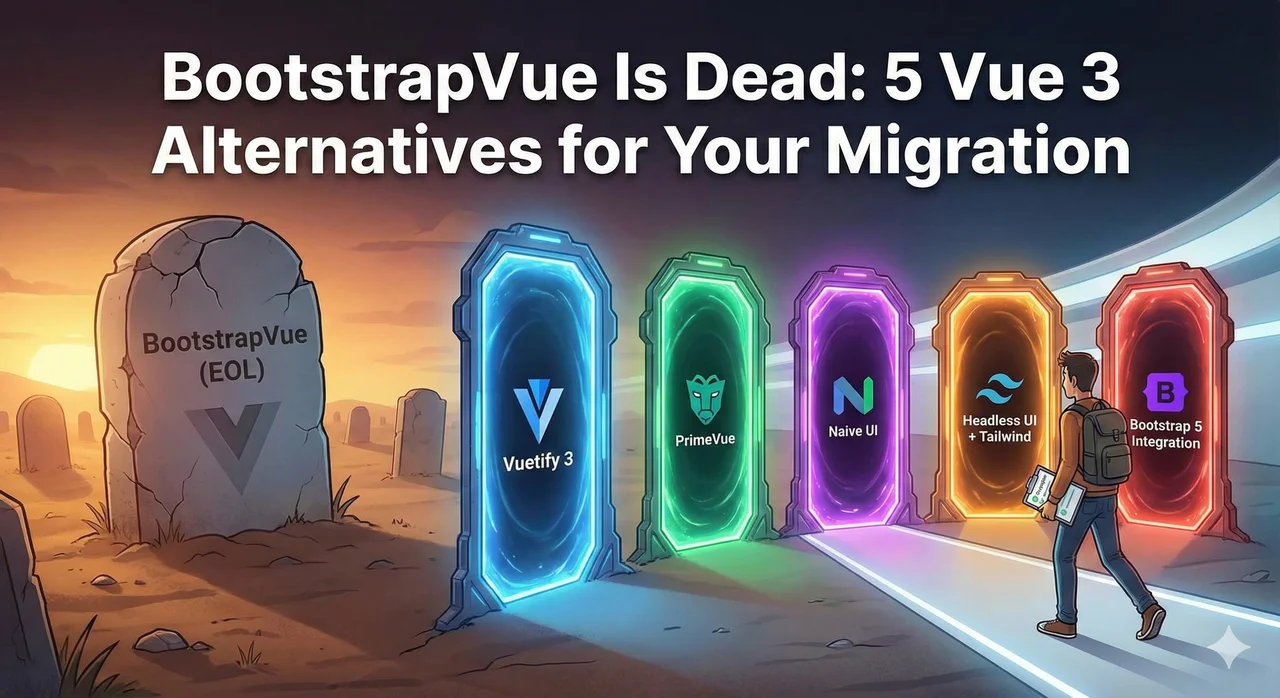
The Hard Truth
BootstrapVue's last commit was in 2022. The maintainers officially announced they won't be supporting Vue 3. If you're running a Vue 2 application with BootstrapVue, you have two choices: stay on an unsupported stack forever, or migrate to an alternative library. There is no third option. For a complete migration plan, see our DIY Vue 2 to Vue 3 migration roadmap.
Why BootstrapVue Won't Get Vue 3 Support
BootstrapVue was tightly coupled to Vue 2's internal APIs. When Vue 3 introduced breaking changes—the new reactivity system, Composition API, and removal of filters—it would have required a complete rewrite. The maintainers, understandably, didn't have the resources for that undertaking.
The BootstrapVue Timeline
Vue 3 Released
Community asks about Vue 3 support
"We're working on it" announcements
Bootstrap Vue Next project started but progresses slowly
Last BootstrapVue commit
Development effectively stops on the original project
Vue 2 End of Life
BootstrapVue officially unsupported
Bootstrap Vue Next in beta
Community fork progressing, but still not 1.0
Quick Comparison: The 5 Best Alternatives
| Library | Best For | Migration Effort | Bootstrap Similarity |
|---|---|---|---|
| Bootstrap Vue Next | Staying with Bootstrap | Low | Highest |
| PrimeVue | Enterprise apps | Medium | Medium |
| Vuetify 3 | Material Design fans | High | Low |
| Naive UI | TypeScript-first teams | Medium | Medium |
| Headless UI + Tailwind | Custom designs | High | None |
Our Recommendation
If you want the fastest migration path, go with Bootstrap Vue Next. If you want the best long-term investment, consider PrimeVue or migrating to Tailwind + Headless UI. We break down each option below.
1. Bootstrap Vue Next (bootstrap-vue-next)
Lowest Migration EffortBootstrap Vue Next is a community-driven Vue 3 rewrite of BootstrapVue. It's the closest thing to a "drop-in replacement" you'll find.
Pros
- ✓ Same Bootstrap look and feel
- ✓ Similar component names and props
- ✓ Uses Bootstrap 5 (latest)
- ✓ Active development
- ✓ TypeScript support
Cons
- × Still in beta (not 1.0 yet)
- × Not all components ported yet
- × Some API differences from BootstrapVue
- × Smaller community than alternatives
Migration Example
BootstrapVue
<template>
  <b-button variant="primary" @click="handleClick">
    Click me
  </b-button>
  <b-modal v-model="showModal" title="Hello">
    Modal content
  </b-modal>
</template>
Bootstrap Vue Next
<template>
  <BButton variant="primary" @click="handleClick">
    Click me
  </BButton>
  <BModal v-model="showModal" title="Hello">
    Modal content
  </BModal>
</template>
Main change: PascalCase component names (BButton vs b-button). Most props remain the same.
Migration Effort
Mostly find-and-replace + checking for missing components
1.2-1.4x
Cost multiplier
2. PrimeVue
Best for EnterprisePrimeVue is a comprehensive UI library with 90+ components, backed by PrimeTek (who also make PrimeNG and PrimeReact). It's mature, well-documented, and actively maintained.
Pros
- ✓ 90+ components (more than BootstrapVue)
- ✓ Excellent documentation
- ✓ Multiple theme options (including Bootstrap-like)
- ✓ Enterprise support available
- ✓ Advanced data components (DataTable, TreeTable)
- ✓ Full TypeScript support
Cons
- × Different API from BootstrapVue
- × Larger bundle size if not tree-shaken
- × Premium themes cost extra
- × Learning curve for component APIs
Migration Example
BootstrapVue
<template>
  <b-table :items="users" :fields="columns">
    <template #cell(actions)="{ item }">
      <b-button size="sm" @click="edit(item)">
        Edit
      </b-button>
    </template>
  </b-table>
</template>
PrimeVue
<template>
  <DataTable :value="users">
    <Column field="name" header="Name" />
    <Column field="email" header="Email" />
    <Column header="Actions">
      <template #body="{ data }">
        <Button size="small" @click="edit(data)">
          Edit
        </Button>
      </template>
    </Column>
  </DataTable>
</template>
PrimeVue's DataTable is more powerful but requires learning new slot syntax and prop names.
Migration Effort
Component-by-component rewrite with API changes
1.4-1.6x
Cost multiplier
3. Vuetify 3
Material DesignVuetify is the most popular Vue UI framework. It follows Material Design guidelines, which means a very different look from Bootstrap. Great if you want Material Design; challenging if you don't.
Pros
- ✓ Largest Vue UI library community
- ✓ Comprehensive component set
- ✓ Great accessibility built-in
- ✓ Consistent Material Design aesthetic
- ✓ Professional support options
Cons
- × Very different look from Bootstrap
- × Completely different API
- × Heavier bundle size
- × Steeper learning curve
- × Hard to customize away from Material look
Important: Design System Change
Migrating from BootstrapVue to Vuetify isn't just a code change—it's a design system change. Your app will look significantly different. Make sure stakeholders are onboard before committing to this path.
Migration Effort
Full rewrite + design review + stakeholder approval
1.6-2.0x
Cost multiplier
4. Naive UI
TypeScript-FirstNaive UI is a modern Vue 3 component library built from the ground up with TypeScript and Composition API. It has a clean, modern aesthetic that's different from both Bootstrap and Material Design.
Pros
- ✓ 80+ well-designed components
- ✓ Excellent TypeScript support (built with TS)
- ✓ Modern, clean aesthetic
- ✓ Powerful theme customization
- ✓ Tree-shakeable
Cons
- × Smaller community than Vuetify/PrimeVue
- × Different API from BootstrapVue
- × Less third-party resources
- × Documentation primarily in English and Chinese
Migration Effort
Component-by-component rewrite with new API patterns
1.4-1.6x
Cost multiplier
5. Headless UI + Tailwind CSS
Maximum FlexibilityHeadless UI provides unstyled, accessible components that you style yourself with Tailwind CSS. This gives complete design freedom but requires more upfront work.
Pros
- ✓ Complete design freedom
- ✓ Tiny bundle size
- ✓ Excellent accessibility
- ✓ No opinionated styling to fight
- ✓ Tailwind CSS has huge ecosystem
Cons
- × Limited component set (only essentials)
- × Must build/style many components yourself
- × No complex components (DataTable, etc.)
- × Requires design resources
- × Highest migration effort
Headless UI Components
Headless UI provides these components (you style them):
For everything else (tables, forms, cards, etc.), you build it yourself or use other libraries.
Migration Effort
Full redesign + custom component development
1.8-2.5x
Cost multiplier
Decision Matrix: Which Alternative Is Right for You?
"I want the fastest, cheapest migration possible"
→ Bootstrap Vue Next
Closest to BootstrapVue API. Keeps Bootstrap look and feel.
"I need enterprise-grade components with support"
→ PrimeVue
Most comprehensive component library. Professional support available. Great for data-heavy apps.
"We're okay with Material Design aesthetics"
→ Vuetify 3
Largest community. Best if you're building a new design or want Material Design.
"We're a TypeScript-heavy team building a modern app"
→ Naive UI
Built with TypeScript from ground up. Modern, Composition-API-first patterns.
"We want complete design control and have design resources"
→ Headless UI + Tailwind
Maximum flexibility. Best for unique designs or design system implementations.
Our Recommended Migration Strategy
Audit Your BootstrapVue Usage
Before choosing an alternative, understand exactly which BootstrapVue components you use. Run a grep for <b- to get a list. Prioritize by frequency of use.
Check Component Availability
For your chosen alternative, verify that all critical components exist. If Bootstrap Vue Next is missing components you need, that changes the cost/benefit analysis.
Migrate Alongside Vue 3 Upgrade
Don't try to migrate BootstrapVue separately. Do it as part of your Vue 2 → Vue 3 migration. You're already touching every component; adding the UI library swap at the same time is more efficient than two separate projects.
Create a Component Mapping Document
Before starting, create a spreadsheet mapping every BootstrapVue component to its equivalent in your chosen library. Include prop name changes, slot differences, and any feature gaps.
Stuck on BootstrapVue? Let's Fix That.
UI library migration is one of the trickiest parts of a Vue 3 upgrade. Our Migration Readiness Audit covers your BootstrapVue usage, recommends the best alternative, and provides a fixed-price quote for the entire migration.
✓ Fixed-price guarantee ✓ UI library recommendation included ✓ 7-day turnaround
Conclusion
BootstrapVue served the Vue community well, but its time has passed. The good news is that the Vue 3 ecosystem has excellent alternatives—you just need to choose the right one for your situation.
For most teams migrating from BootstrapVue, we recommend Bootstrap Vue Next for the smoothest transition, or PrimeVue for teams wanting a more feature-rich long-term solution. Save Headless UI for greenfield projects where you have design resources and want complete control.
Whatever you choose, don't delay. Every month you stay on Vue 2 with BootstrapVue is another month of accumulated security risk and technical debt. The migration won't get easier—but it will get more urgent.